DTU QR Code: What It Is and How to Use It Safely
A DTU QR code is a QR code linked to the Technical University of Denmark. DTU is Denmark’s largest technical university, based in Lyngby near Copenhagen. The university uses QR codes on campus for events, information, and services. Therefore, this guide explains what a DTU QR code is, how the university uses QR codes, and how to scan any QR code safely.
What Is a DTU QR Code?
First, the basics. A QR code is a square barcode that a phone camera can read. It opens a link, a form, or a file. A DTU QR code is simply a QR code that points to a DTU page or service. It might lead to a course page, a campus map, an event sign-up, or a library resource.
In other words, the code itself is like any other QR code. The DTU part tells you where it leads. Keep that in mind, because any code can be faked. The steps below help you stay safe.
How DTU Uses QR Codes
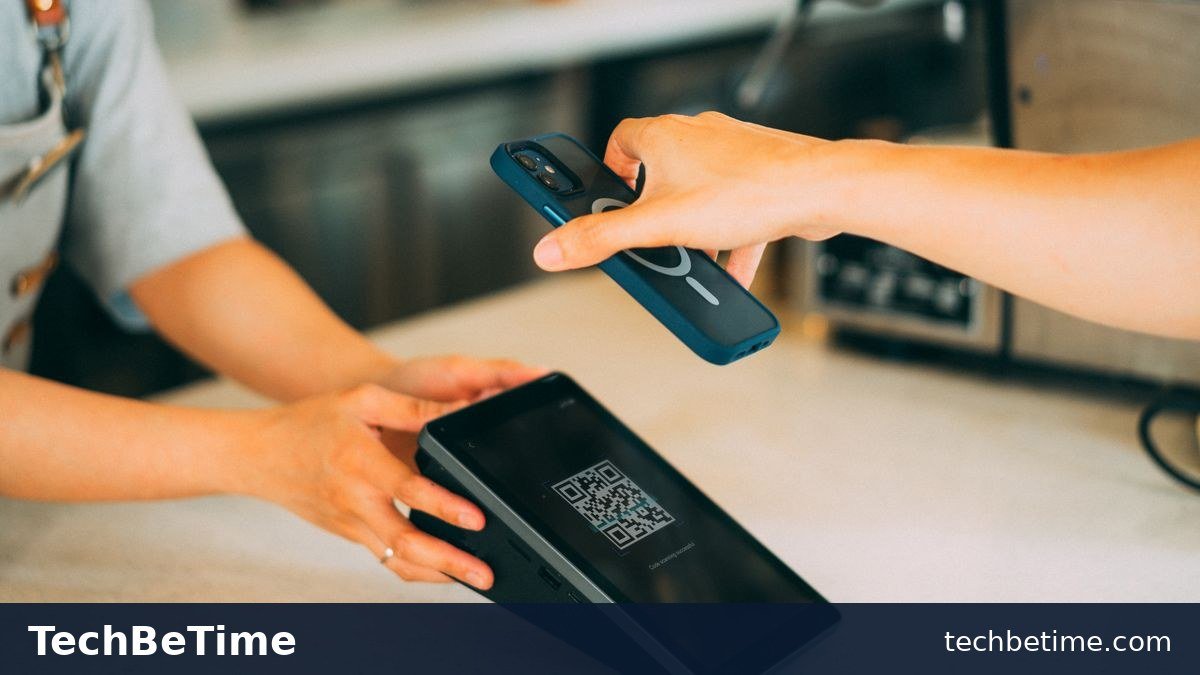
Universities use QR codes in many places. At DTU and other campuses, common uses include:
- Campus maps and signs: a code on a poster opens directions to a building or room.
- Events: a code on a flyer opens the event page or the sign-up form.
- Library and study resources: a code on a shelf or a desk links to a guide or a booking page.
- Feedback and surveys: a code on a screen asks students to rate a service.
These uses change over time. New services add new codes each term. That is why the university’s own site is the best place to confirm what a code should do. Visit dtu.dk for the current services.
How to Scan a DTU QR Code
Follow these steps to scan a DTU QR code:
- Open your phone camera. Most phones scan QR codes with the built-in camera app.
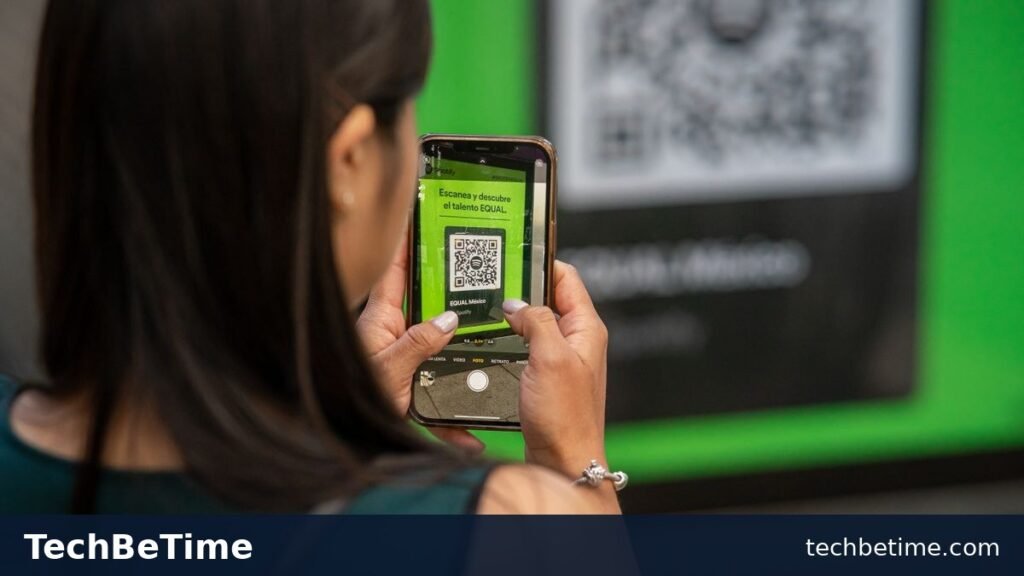
- Point it at the code. Hold the phone steady until a link appears.
- Check the link first. Look at the address before you tap. It should point to dtu.dk or another page you expect.
- Tap to open. If the page looks wrong or asks for a password you did not expect, stop.
In addition, use your phone’s own reader, not a random app. Most phones need no extra app at all. For more on how tools sort information, see our guide to how AI search and filters make finding information faster and easier.
Staying Safe With QR Codes
QR codes are handy, but they also hide the link until you scan. That is why scammers use them. Keep these checks in mind:
- Check the domain. A code from DTU should lead to dtu.dk. A strange address is a warning sign.
- Look at the sticker. A code pasted over another code, or on a loose sticker, may be fake.
- Never enter passwords or card details from a QR code you do not trust.
- Use your phone’s preview. Most phones show the link before they open it.
QR codes themselves are not dangerous. The risk is the page they open. A quick check of the address takes seconds and stops most scams.
What to Do If a Code Does Not Work
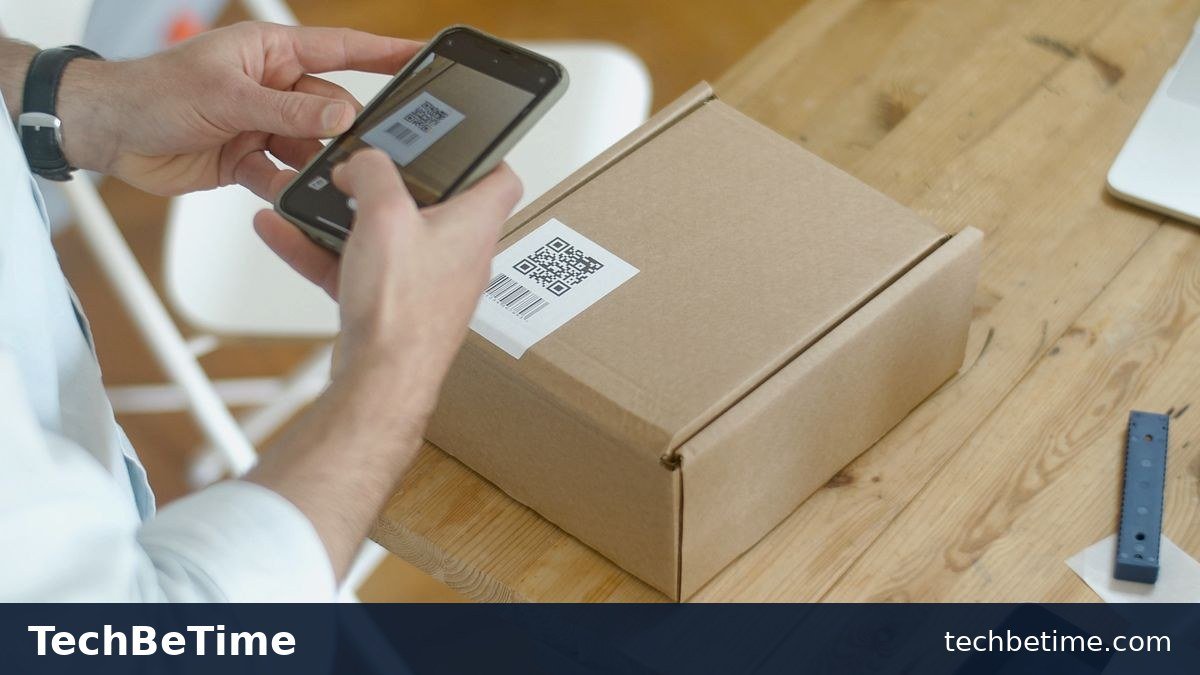
Sometimes a DTU QR code will not scan. First, clean your camera lens. Next, try better light and hold the phone still. If the code is torn or faded, it may be dead. In that case, look for a text link or a printed address nearby. Or search the DTU site for the same page. For help after a mistake, see our guide to recovering deleted photos on Windows and Mac.
Key Takeaways
- A DTU QR code is a QR code linked to the Technical University of Denmark.
- DTU uses QR codes for maps, events, library services, and surveys.
- Always check the link before you tap it.
- A code on a loose sticker or with a strange address is a warning sign.
Conclusion
In short, a DTU QR code is a quick way to reach DTU pages and services from a poster or a sign. The code itself is simple. The skill is checking where it leads. Scan with your phone camera, look at the address, and you will stay safe.
Frequently Asked Questions
What does DTU stand for? DTU is the Technical University of Denmark (Danmarks Tekniske Universitet). It is Denmark’s largest technical university, based in Lyngby.
How do I scan a DTU QR code? Open your phone camera, point it at the code, and check the link before you tap. Most phones need no extra app.
Are QR codes safe? A QR code is just a link. The risk is the page it opens. Check the address and do not enter private details from a code you do not trust.